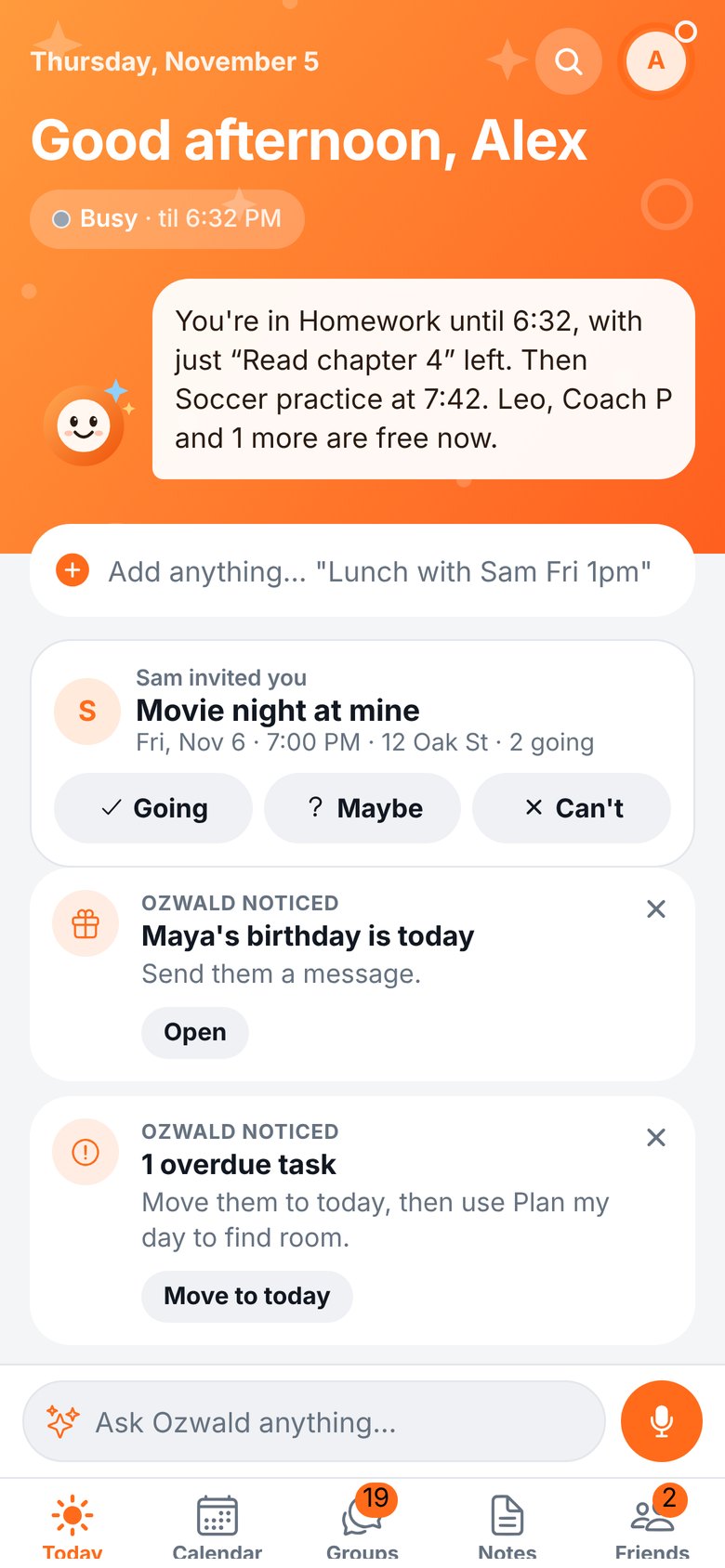
Ozwald shows when your friends are free and turns the group chat into an actual plan. Your calendars, your friends and your plans, all in one place.
Free on iPhone and the web. Android is on the way.
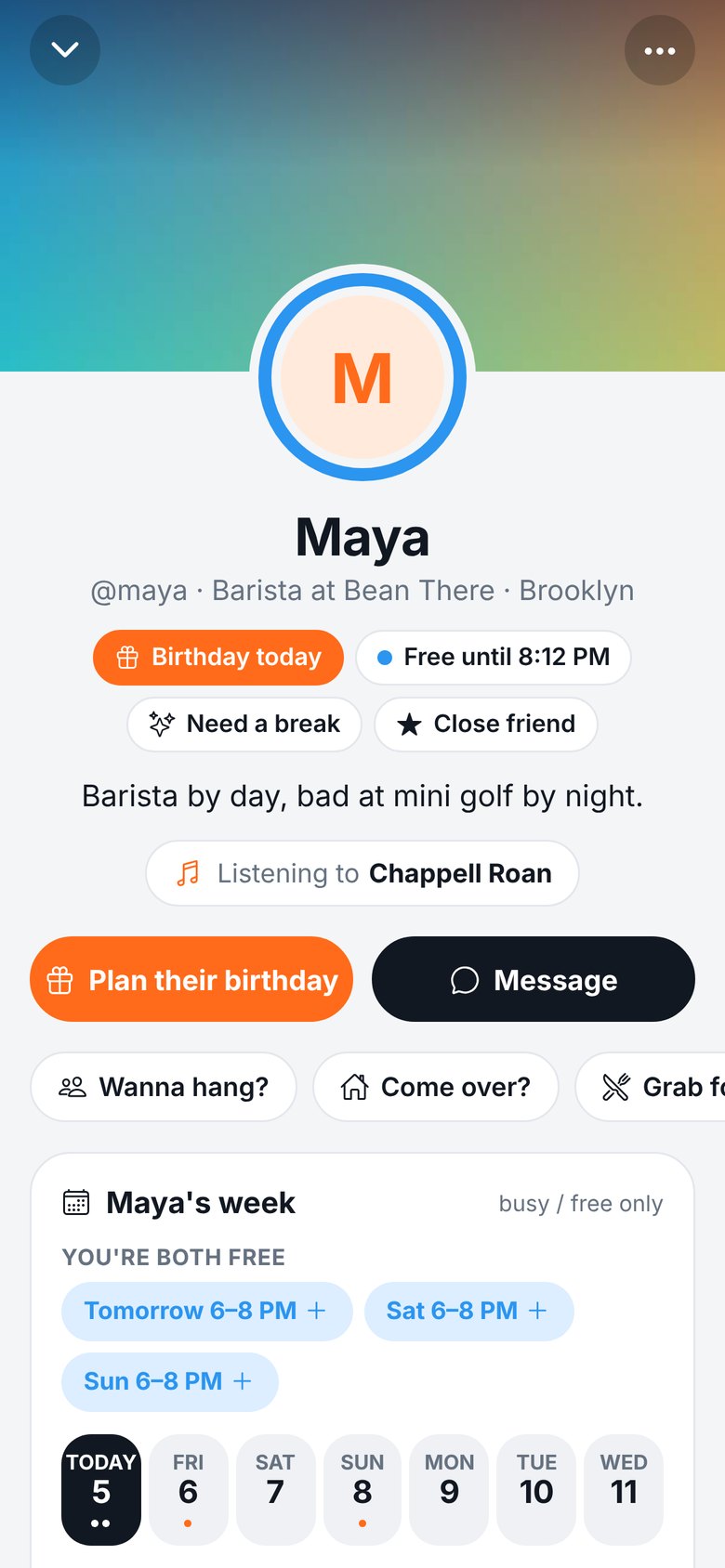
Every friend's photo has a ring: blue when they're free, orange when they're busy. Open a friend and Ozwald shows the times this week you're both free.
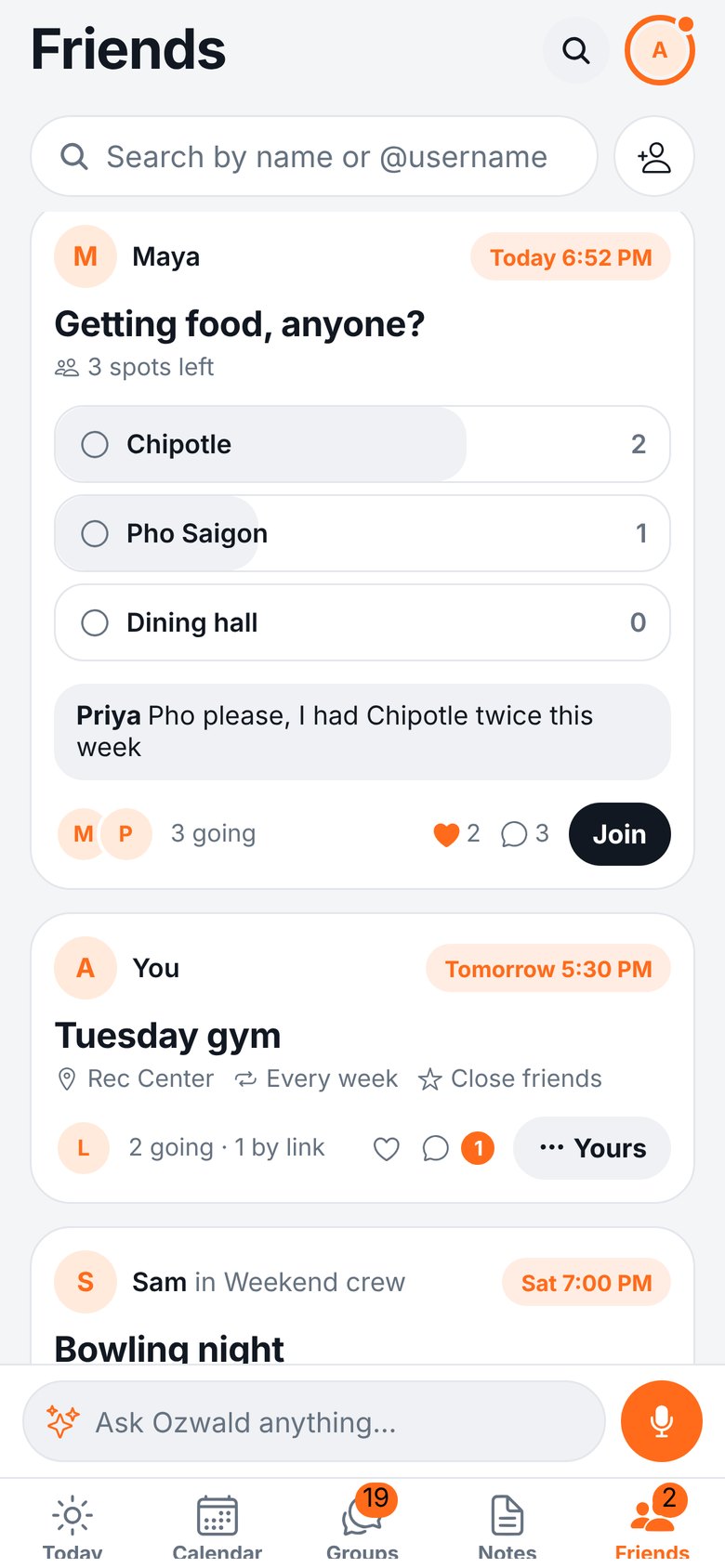
Post a plan and friends tap Join. It lands in everyone's calendar, and you can let people vote on the place, comment, or bring a friend.
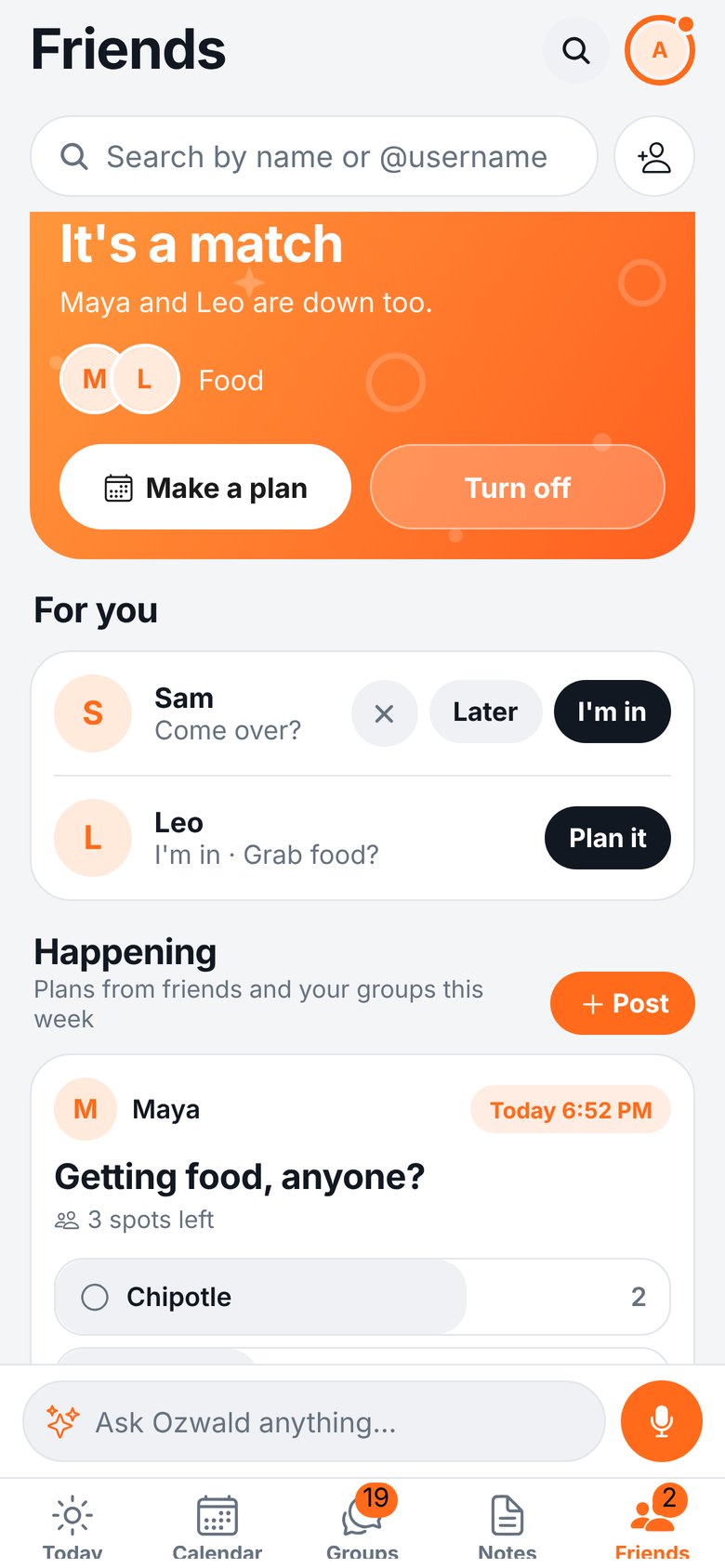
Tap "I'm down" and pick who you'd like to see. Nobody is told unless they're down for you too. Then you both get a match and can make a plan.
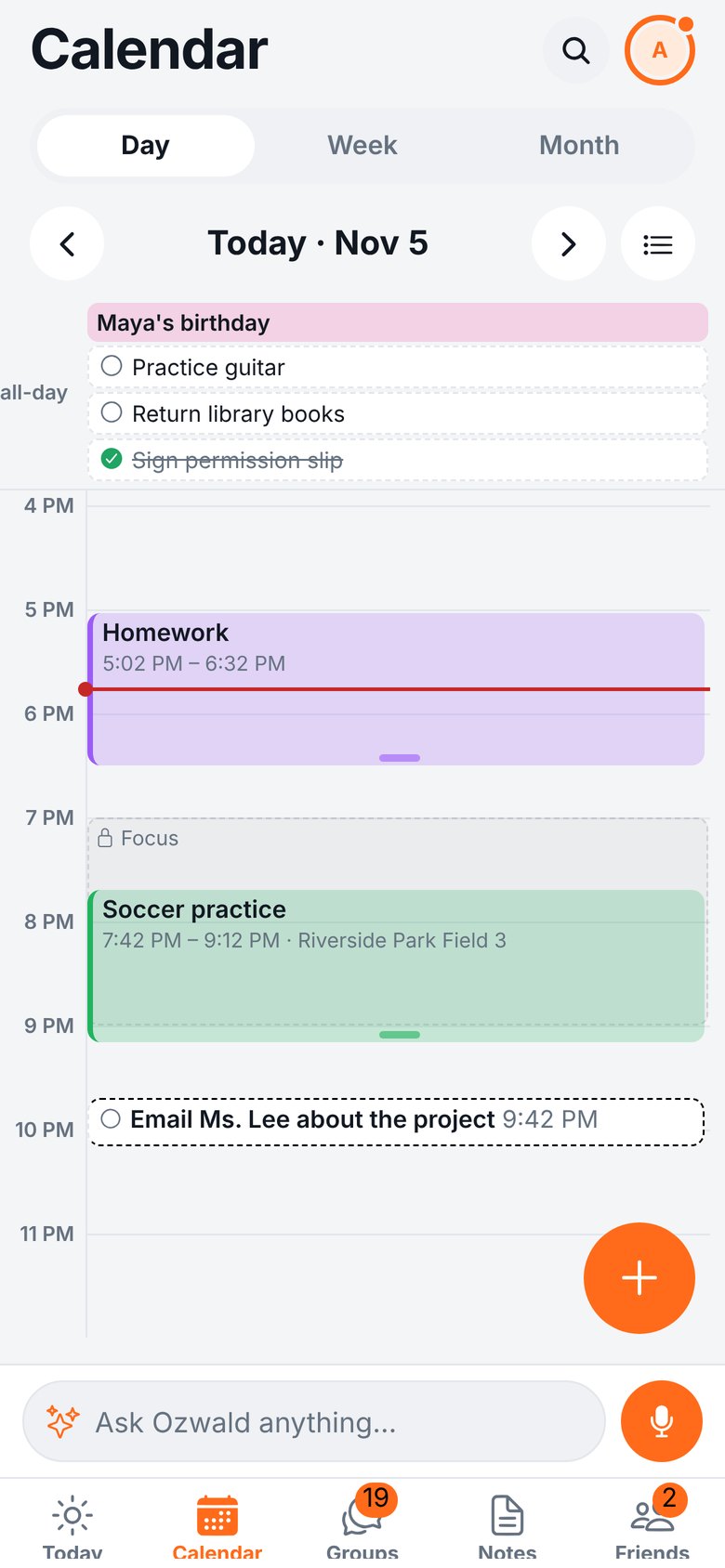
Bring in your iPhone, Google and Outlook calendars. Edit anything in Ozwald and it updates everywhere. Add things the way you'd say them: "Lunch with Sam Fri 1pm".
Built for friend groups, roommates, teams and clubs.
Chats with polls, plans, shared lists, photo albums and check-ins for meetings.
A cover photo, prompts, a photo wall, what you're into and what you're watching.
Never miss one. Plan something for a friend in a tap, with your private notes about them.
Share some plans only with your favorite people. They're never told who's on your list.
Ask by voice or text. Ozwald adds events, finds free time and sums up your day.
Streaks with friends you see every week, and a nudge when it's been too long.
Sign up with your email and pick a username.
One tap. Friends only ever see "busy" unless you choose to share more.
Find them from your contacts, or share your invite link with the group chat.
Ozwald is built so you can share your free time without sharing your whole life.
Yes. Seeing who's free, plans, groups, profiles and calendars are all free. A Premium plan with extras like trip planning is coming later. Your friends never need it to join your plans.
It's best with your friends on it, so you can see when everyone's free. But friends without the app can still answer a plan you send them as a link.
By default, only whether you're busy or free. For each friend you can choose to share nothing, busy/free, or your full calendar. Your notes and to-do lists are never shared.
Yes. Add your Google or Outlook account to your iPhone's Calendar settings and Ozwald shows it, with changes going both ways.
Yes. Sign in here with your Ozwald account, or create one. Everything stays in sync with your phone. Voice, widgets, notifications and connecting calendars are in the iPhone app.
Not yet, but it's on the way. Until then, Android friends can use Ozwald in their browser.
In the app: tap your photo, then the gear, then Delete account. Everything is deleted. See Support for more.
Get Ozwald, add your group, and make the next plan actually happen.
Get Ozwald for iPhone